VR Thermal & Night Vision Camera FX :Simulated FX 2.0
Free Version
Publisher Description
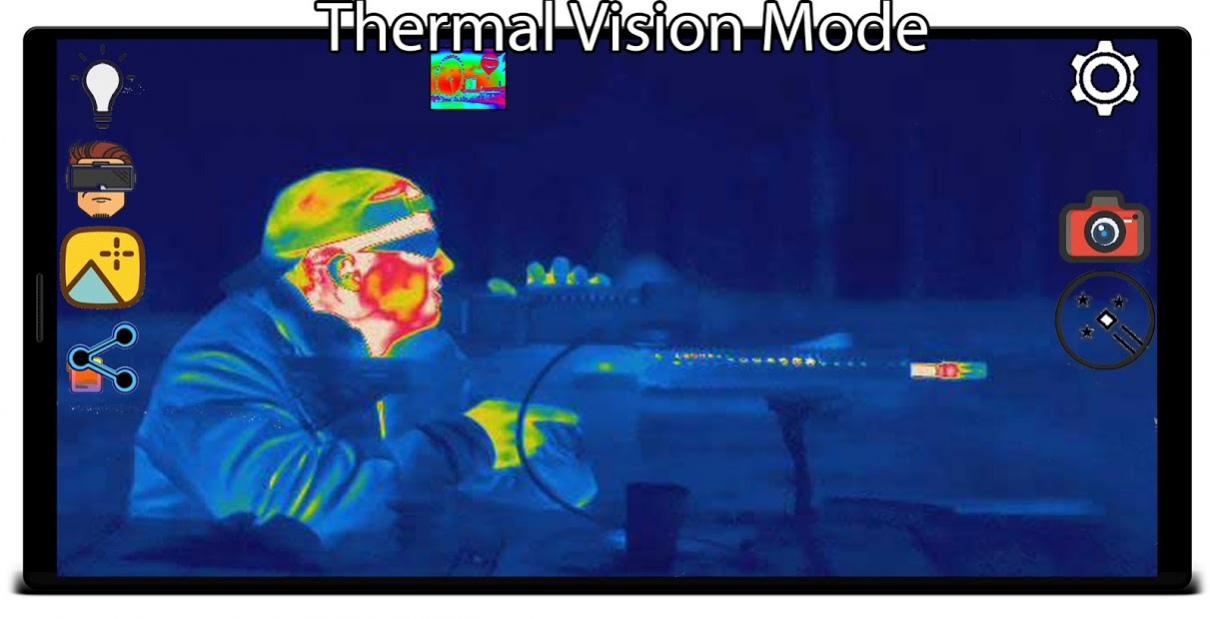
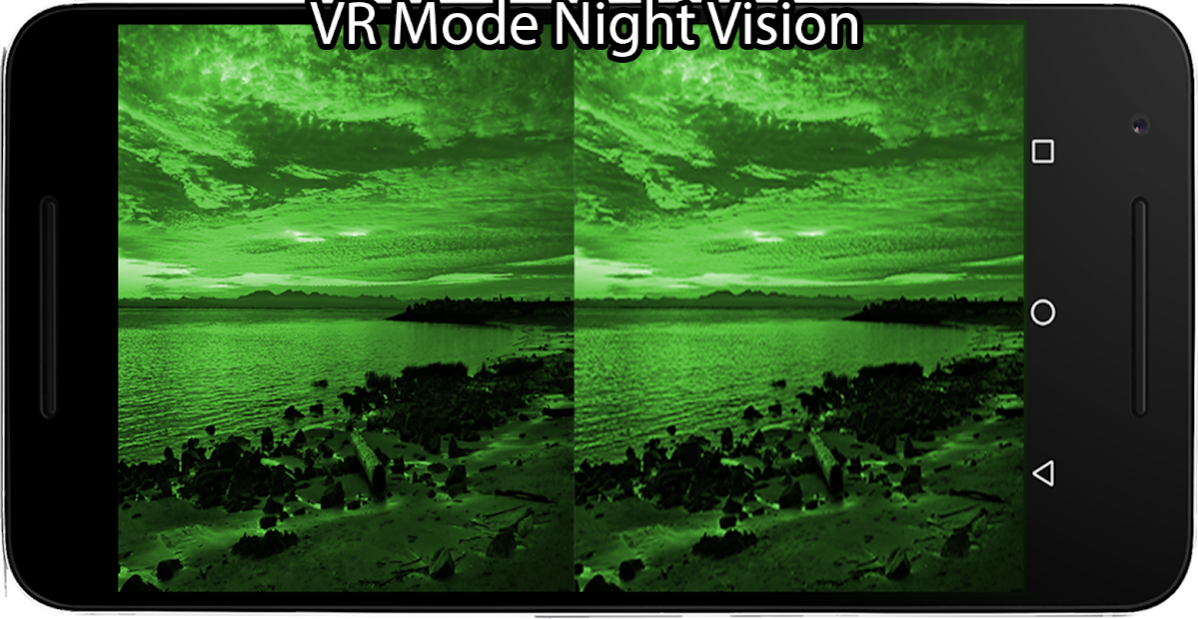
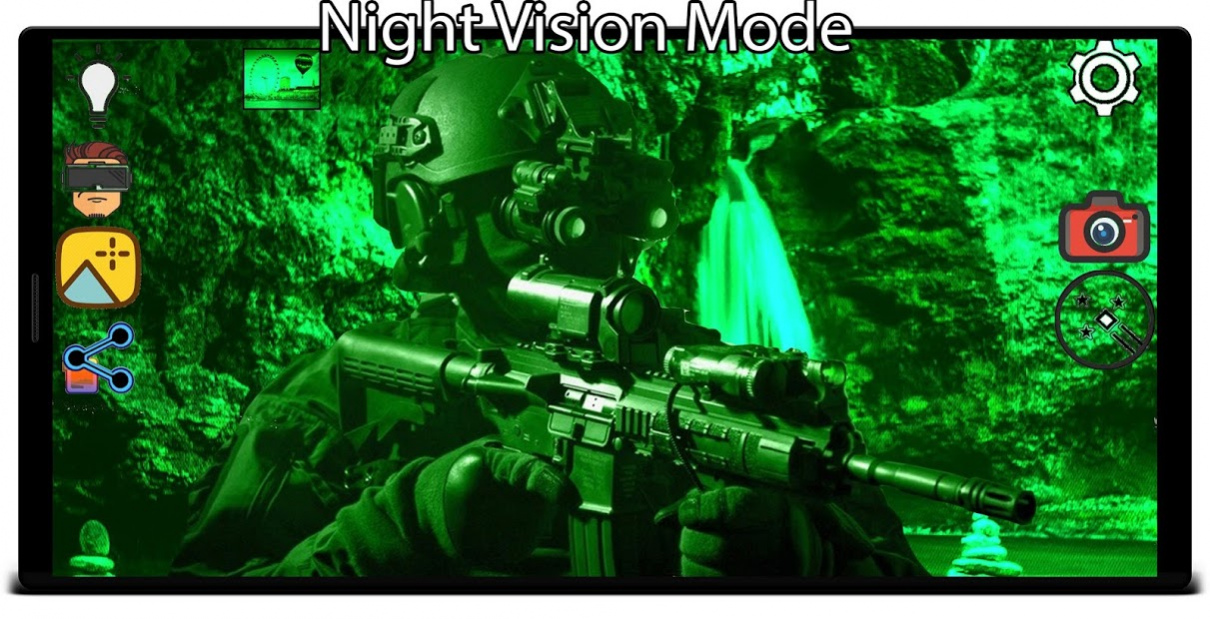
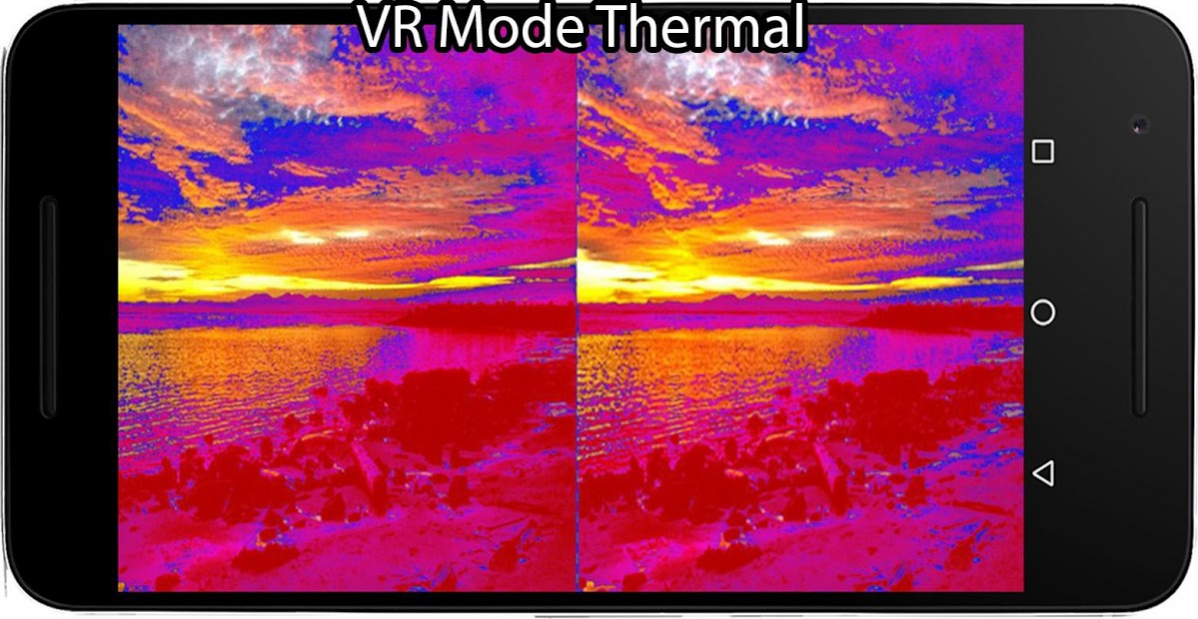
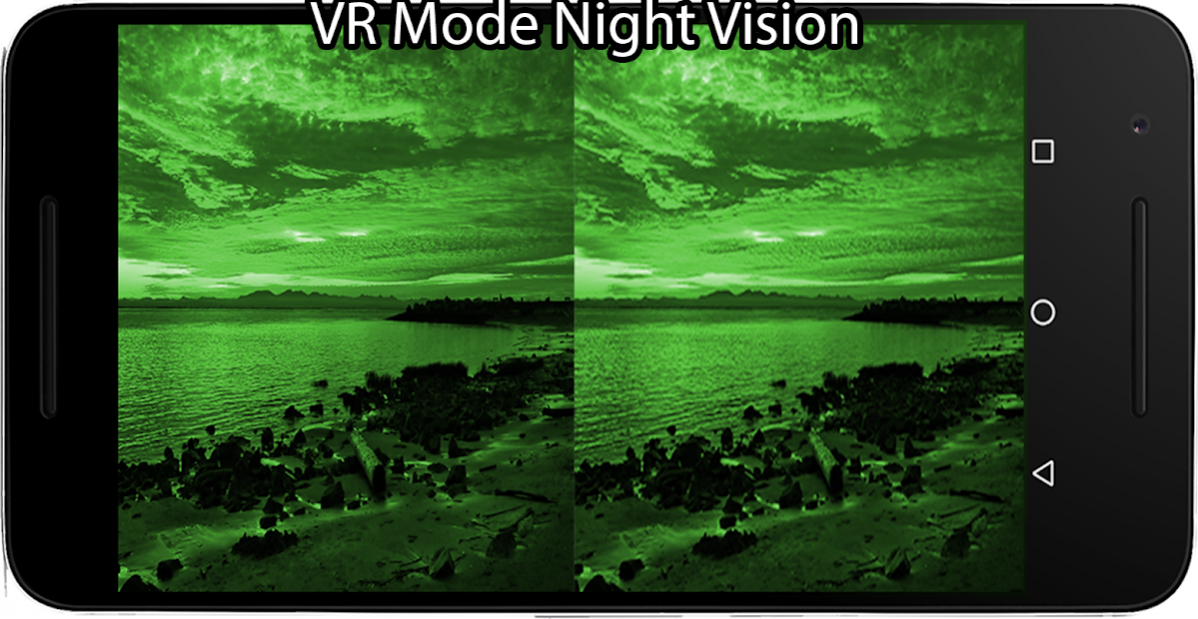
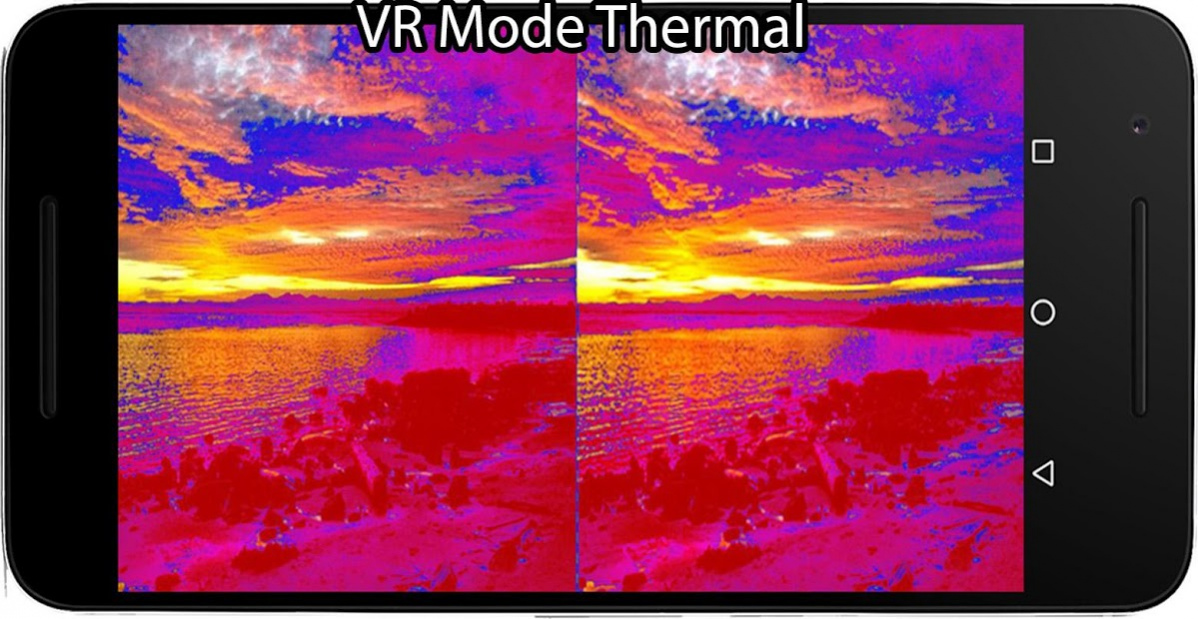
Disclaimer: Effects are simulation only .
Experience Thermal and Night Vision Effects like never before .
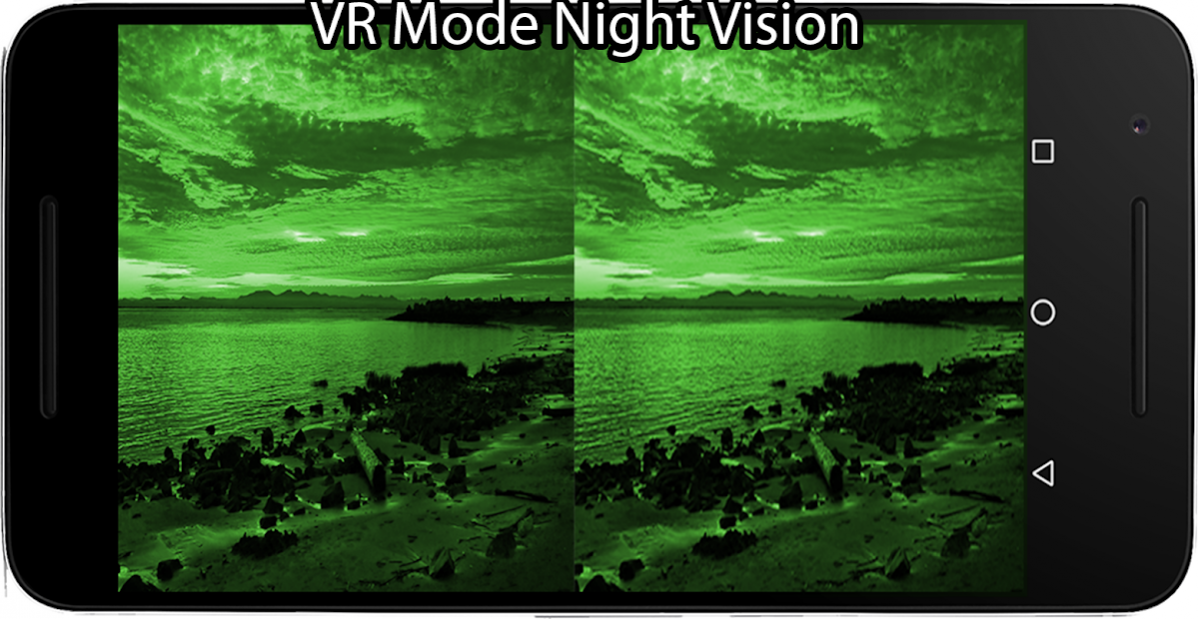
Use VR Mode for immersive feel in Virtual Reality .
Feel like owner of a real high end Best military night vision and Thermal Vision goggles and enjoy as you are wearing a real Night Vision and /or Thermal Vision device 🥽.
▶ Reason for selecting VR Thermal and Night Vision Fx Camera 👍
∎ Real time effects.
∎ Realistic effect .
∎ Multiple Thermal effects .
∎ Multiple Night Vision Effects.
This app simulates Thermal Vision and Night Vision using
The Video processed from video stream of you device build-in camera.
Using that it generate a real time, realistic looking Thermal and Night Vision Effect with your device GPU.
like you have a real ThermoGraphic device or a Night Vision device.
App Features :
➢ Thermal Effect :3 different types
➢ Night Vision Effect :2 different type
➢ Real-time effect /No camera latency
Bonus Effects
➢ UV vision Effect (Ultra Violet effect )
➢ Honey Bee vision Effect
Play joke or prank your friends with this app and they will believe you have a real Thermographic device and a Night Vision device.
Disclaimer: App is only a simulation of thermal camera and Night vision and it will not detect a real temperature or InfraRed(Ir light),
Android phones don't have built-in infrared light sensor or thermal sensor, therefore making them unable to detect temperature.
About VR Thermal & Night Vision Camera FX :Simulated FX
VR Thermal & Night Vision Camera FX :Simulated FX is a free app for Android published in the Recreation list of apps, part of Home & Hobby.
The company that develops VR Thermal & Night Vision Camera FX :Simulated FX is Induction Labs. The latest version released by its developer is 2.0.
To install VR Thermal & Night Vision Camera FX :Simulated FX on your Android device, just click the green Continue To App button above to start the installation process. The app is listed on our website since 2020-04-25 and was downloaded 274 times. We have already checked if the download link is safe, however for your own protection we recommend that you scan the downloaded app with your antivirus. Your antivirus may detect the VR Thermal & Night Vision Camera FX :Simulated FX as malware as malware if the download link to ilabs.ThermoNightVr is broken.
How to install VR Thermal & Night Vision Camera FX :Simulated FX on your Android device:
- Click on the Continue To App button on our website. This will redirect you to Google Play.
- Once the VR Thermal & Night Vision Camera FX :Simulated FX is shown in the Google Play listing of your Android device, you can start its download and installation. Tap on the Install button located below the search bar and to the right of the app icon.
- A pop-up window with the permissions required by VR Thermal & Night Vision Camera FX :Simulated FX will be shown. Click on Accept to continue the process.
- VR Thermal & Night Vision Camera FX :Simulated FX will be downloaded onto your device, displaying a progress. Once the download completes, the installation will start and you'll get a notification after the installation is finished.
